
Getting an E Version of Your Emirates ID - A Step by Step Guide for Pakistani Residents in 2026
Living in the UAE - where the Emirates ID card is as much a part of everyday life as a visa is to a Pakistani resident. Whether you're signing a tenancy contract, having a medical check up, or just trying to get a new mobile connection - that UAE ID card just keeps popping up. Recently the government brought in an e version of the ID card so residents don't have to carry the physical card around all the time.
Many Pakistanis living in the UAE ask how to get hold of an e version of their Emirates ID and whether it's safe to use. This guide breaks down the whole process into simple steps so you don't get confused.
What is this E Version of Emirates ID All About
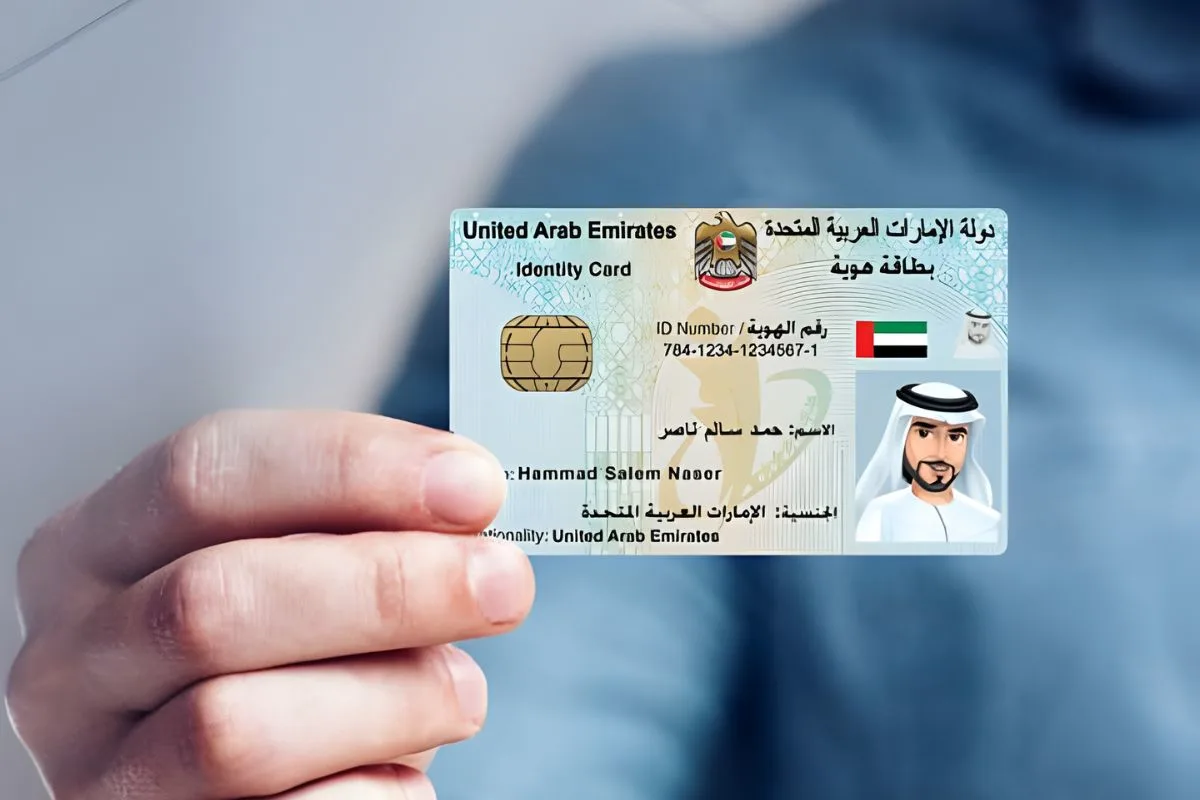
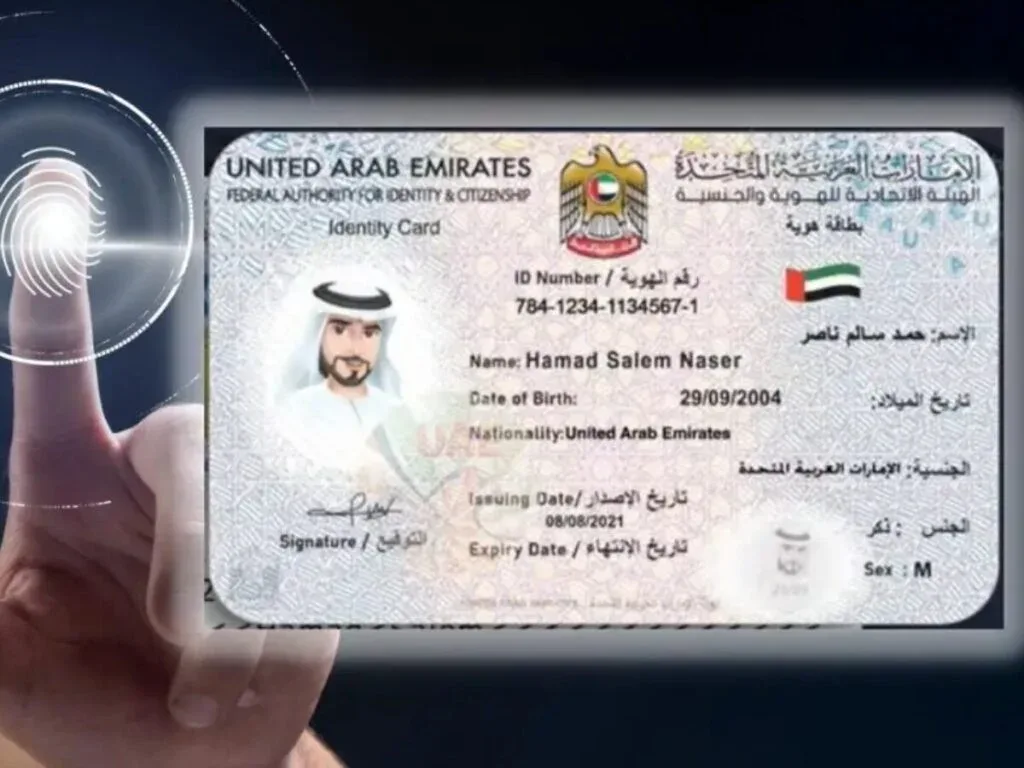
The e version of the Emirates ID card is basically a digital copy of the physical one stored inside the official UAE smart app. It's got the same details as the physical one like name, Emirates ID number, nationality, and expiry date. The digital version is officially accepted by pretty much every government and private business.
So instead of having to dig out the plastic ID card from your wallet, you can just show the electronic version on your phone. This is especially useful for Pakistani residents who travel back and forth between Dubai, Sharjah and Abu Dhabi all the time.
Why Did the UAE Bring In Digital Emirates ID
The UAE government wanted to make things easier for people and get rid of a lot of paperwork. With a digital ID card people can access government websites, prove their identity and complete transactions without having to wait for the physical ID to be ready.
Another reason was to make it safer. Losing your physical ID card can cause all sorts of problems. But with the e version, your identity is still safe even if the card goes missing.
Who Can Get the Digital Version
Pretty much every legal resident of the UAE can get their e version. That includes
- Pakistani employees working in Dubai and the other Emirates
- Families on residence visas
- Students at UAE universities
- Business owners and investors
- Domestic workers and dependents
Just as long as you have a valid Emirates ID number, you can activate the digital version.
What You Need Before You Can Get Started
Before you can get the e version of your Dubai ID card you'll need
- A valid Emirates ID card issued by the authorities
- A smartphone with an internet connection
- The official UAE identity app installed on your phone
- Your mobile number linked to your Emirates ID
If your phone number isn't updated in the system you'll need to sort that out first.
Step by Step Process to Get E Version
Get the Official App
Head over to the Google Play Store or Apple App Store and search for the official UAE identity app. Download it and make sure you install it on your phone. Don't bother with any unofficial apps because they won't show you your Emirates ID card information properly.
Create Your Account
Open up the app and create an account using your Emirates ID number and your registered mobile number. You'll get an OTP (One Time Password) sent to your phone to verify. To use this you'll need to ensure the mobile number you gave when you did your visa is still active.
Link Your Emirates ID
Once you're logged in, go ahead and add your UAE ID card to the app. It will automatically fetch your details from the database and your digital ID will be ready to go in seconds.
Activate the QR Code
The e version contains a QR code that the authorities can scan to verify your identity. Make sure you activate this feature so banks, telecom companies and government offices can check your ID.
Download for Offline Use
The app even lets you save a copy of the digital ID for offline viewing. This is handy if you're in an area with no internet.
Where Can You Use E Version
Pakistani residents can use the e version in loads of situations like:
- Registering at government service centers
- Registering at hospitals and clinics
- Opening bank accounts in some branches
- Airport identity checks
- Police and traffic services
- School and university admissions
- Telecom SIM registration
Most places now accept the e version along with your physical ID card.
Benefits for Pakistani Community
Getting the digital Emirates ID brings a bunch of advantages like:
- No need to carry that plastic card everywhere
- Faster service at government counters
- Easy access during travel inside UAE
- Safe backup in case your card gets lost
- Quick verification for family members
For Pakistani workers who move around a lot the e version is a real lifesaver.
Difference Between Physical and Digital ID
Just to clarify, the physical Emirates ID card is still needed for some official procedures like visa stamping or updating bank KYC details. The e version is mainly for daily use and identity verification.
Both versions have the same data. The difference is just the format.
Common Problems and Solutions
No OTP Received
If you don't get your OTP, it might be because your mobile number isn't updated in the system. Go to an authorized typing center and get that sorted first.
App Not Showing ID
Sometimes the app fails to fetch data because of server updates. Just try again after a bit and make sure your visa and Emirates ID are valid.
Spelling of NameIf there's a spelling mistake on the digital Dubai ID card then it's likely because the original record has an error. You'll need to request the correction through the proper channels.
The Security of the E-Version
Lots of Pakistanis are anxious about their privacy. Fortunately the digital Emirates ID card is protected by strong encryption and the UAE's cyber laws. Only people who are supposed to be able to, can scan the QR code. And remember, never share a screenshot with a stranger.
Using the E-version for Family Members
Parents can add their kids Emirates ID cards to their own profile. Which can be a real help when it comes to things like school admissions and hospital visits.
Renewal and Validity
When you renew your physical UAE ID card, the e-version will automatically update. So you don't have to go through the process all over again.
Traveling Inside the UAE
Domestic flights between Dubai and Abu Dhabi usually accept the digital Dubai ID card. though its always a good idea to carry the physical card with you when you're traveling abroad.
The E-version and Government Services
Most UAE portals now let you log in using the e-version. Pakistani entrepreneurs use it to sort out things like license renewals, labour services and visa applications.
For New Residents
If you're a new Pakistani arrival you'll need to do the medical test and get your visa stamped first. Once your Emirates ID card is issued you can activate the e-version the same day.
For If You Lose Your Emirates ID
Losing the original plastic card is not the end of the world. The digital UAE ID card will still be valid, and you'll still be able to do many things while you're waiting for a replacement.
When You Change Jobs
When you change jobs the e-version will keep showing your current status. Which is handy when it comes to visa transitions.
Important Tips to Keep in Mind
Make sure to keep your app updated - don't share your QR code with just anyone - link the right mobile number to it - and for major things carry the physical card with you - only use the official platforms
The Future of Digital ID's in the UAE
The UAE has big plans to connect the Dubai ID card with things like metro systems, parking and even e-gates. And that means a completely paperless system for Pakistani residents.
How Flyingcolour® Business Setup Can Help
Flyingcolour® Business Setup can give you and your company help with understanding Emirates ID procedures - as well as visa documentation and compliance requirements in the UAE. Our team can guide you through accessing the e-version of the Emirates ID card - updating your mobile number - and sorting out any problems you might have with your identity records. The usual rules still apply - so all our services remain subject to UAE regulations and official approvals.
Conclusion
Knowing how to get an e-version of your Emirates ID card makes life a lot easier for Pakistani residents living and working in the UAE. The digital UAE ID card saves you time - reduces paperwork - and gives you quick access to lots of different services across Dubai and the other emirates. The physical card is still important for certain things - but the e-version has become an essential part of daily life.
With a few simple steps you can activate the digital Dubai ID card and use it for most of your verification needs. Just make sure you keep your official app up to date and you should be good to go - and that makes it a lot easier for you to live and work in the UAE
Frequently Asked Questions
What is the e version of Emirates ID?
Its the digital copy of your emirates id card that you can find on the official UAE app
Can Pakistani residents use digital ID everywhere?
Well - most government and private offices accept the e version - but you might still need to carry the physical card for certain things
Is the Dubai id card on phone legal?
Yes - it is officially recognised by the UAE authorities
Do I still need the plastic card?
For some things the physical Emirates ID card is still required - but you can do most things with the e version
What if my phone number is not linked?
You'll need to sort out your mobile number first before you can activate the digital UAE ID card
Is the e-version safe?
Yes - it is protected by UAE security systems and strong encryption.