

Table of Contents
Everything You Need to Know About Checking Your Emirates ID Status
If you are a resident or employee, or a business owner in the UAE, you will realize that your Emirates ID is probably the most important document you will ever own. Your Emirates ID acts as your identity card, and it is also proof of your legal residency in the UAE. The Emirates ID is critical for just about everything - opening a bank account, getting a SIM card, signing a tenancy agreement, and accessing many government services.
Many people have a common question about 'How do I check the Emirates ID status?' In this blog, we will cover everything you need to know about what an Emirates ID is and how to check it.
What is an Emirates ID?
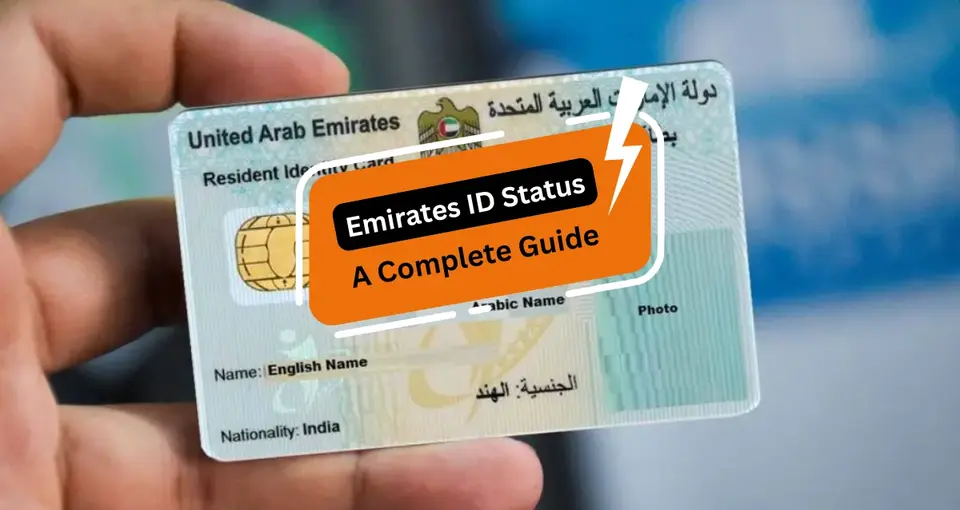
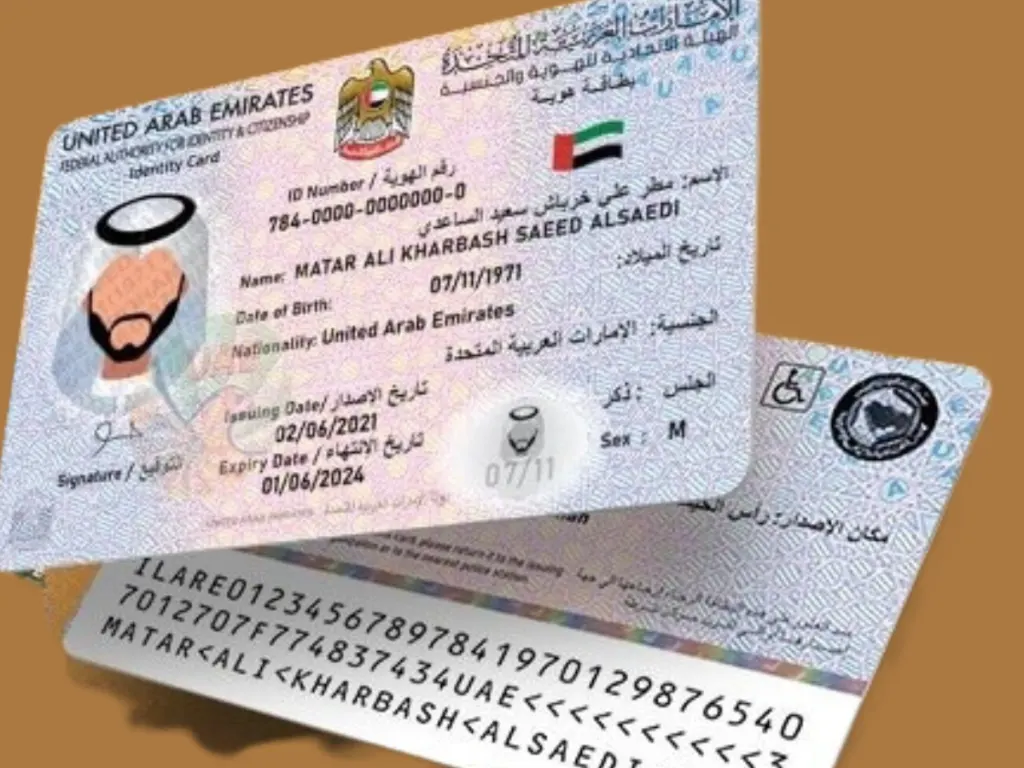
A Emirate ID is also an identity card which is issued by the Federal Authority for the citizenship, customs, and the Port Security (ICP). It also provide a personal information about a person and it includes name, nationality, date if birth, and own unique ID number. This ID also contains an chip which can store a biometric data and a photo.
All UAE citizens and residents should obtain an Emirates ID. It serves some very important functions:
- It provides official proof of identity and residency in the UAE.
- It is necessary for any government and private transactions.
- It is utilized when accessing healthcare, education, and banking.
- It contributes to tracking immigration and legal matters.
How to Apply for an Emirates ID?
The Emirates ID process is very simple, and you can apply for your Emirates ID online and in person.
Step 1: Complete the Application Form
You can apply for your Emirates ID on the official Website of ICP (https://icp.gov.ae). You can also visit a typing center to apply offline for your Emirates ID. You have to enter your personal details to apply for the ID, and you have to provide personal details such as name, nationality, passport number, and UAE address.
Step 2: Pay the Relevant Fees
The cost of the Emirates ID depends on the validity period of your residency visa:
- 1-year ID: AED 170
- 2-Year ID: AED 270
- 3-year ID ]: AED 370
Step 3: Biometric Data Submission
You will get an SMS from ICP, and you will ask you to visit an ICP biometric center if you are applying for the first time. You have to provide your fingerprints and a photo to complete the process.
Step 4: Wait for Approval and Issurance
Your application can be processed further when you have submitted your biometric data. You can also track your Emirates ID status to see when it is ready for collection or delivery.
How to Check Your Emirates ID Status?
You can easily check the status of your Emirates ID. You can track your application, renewal, and the replacement of your Emirates ID. You can check your status online. Here is the process of checking online:
Step 1: Visit the ICP Website
Visit the Official ICP website https://icp.gov.ae
Step 2: Check ID Status
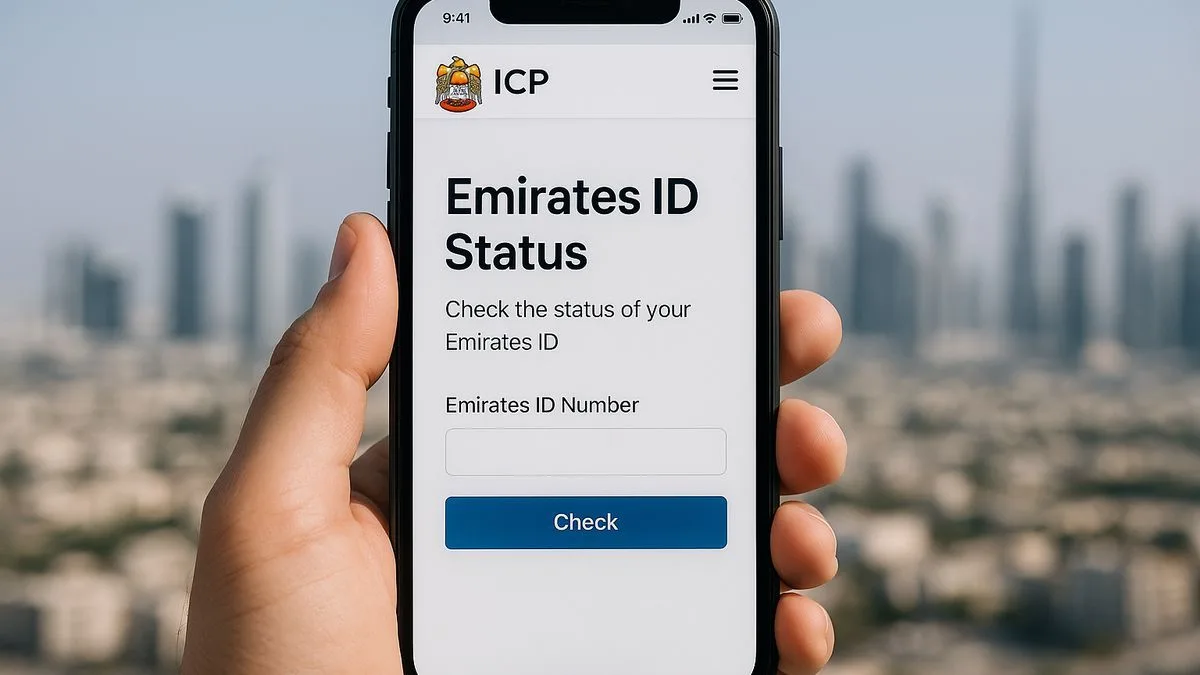
When you visit the homepage, you can click on the option for checking ID card Status.
Step 3: Enter Your Application Number or Emirates ID Number
- If you are checking a new application, then enter your application number (PRAN) ,. You can find this on your registration form.
- Enter your Emirates ID number to check your renewal or replacement.
Step 4: View Your Application Status
You can see your current application status by clicking on the “submit” which can show the stages:
- Application Received: It shows when your form has been submitted successfully.
- Under Processing: this shows when the ICP is verifying your information and biometrics.
- Card Printed: Your Emirates ID card has been printed.
- Card Dispatched: It shows on screen, then your card is sent for delivery.
- Ready for Collection: You can collect your card from the mentioned post office. If it shows, then it can wait for delivery.
Emirates ID Status Check via SMS
If you do not have access to the ICP website or app, you can also verify your Emirates ID status by SMS. This process is useful when you have restricted internet access or just want a faster approach to confirm your status.
- Write a new SMS on your mobile phone.
- Fill in your Emirates ID number or application (PRAN) number in the message body.
- Send the message to the ICP SMS service number.
- You will get a reply within a few minutes stating your application status.
This process returns the same status information as the website and app so you can select whichever is most comfortable at the time.
Checking Your Status with a Passport Number
If you do not have your application number or an existing Emirates ID number, you can also get to know your status through your passport number along with your date of birth. This choice is particularly beneficial for first time applicants who have never had an Emirates ID or for someone who cannot find their typing centre receipt.
- On the ICP status page, choose Passport Number as your input type.
- Fill in your passport number just as it appears on your passport.
- Fill in your date of birth as requested in the same format.
- Search to check your current status.
Tracking Your Status with the ICP Smart App
In addition to the website, the ICP Smart Services app allows you to monitor Emirates ID status directly from your phone and get automatic notifications whenever your status changes.
- Download the ICP Smart Services app from the App Store or Google Play.
- Open the app and log in with your UAE Pass or create an ICP account if you have not registered previously.
- Click on Inquiries and then choose Emirates ID Status
- Fill in your application number or Emirates ID to check your current status.
- Turn on alerts so you are notified automatically the next time your status gets changed, like when your card is dispatched for delivery.
The Process of Receiving an Emirates ID
Once you have satisfied all requirements, your Emirates ID will be issued in about seven to 10 business days. You can get your ID which depend on:
- The status of your visa and how it gets approved.
- The availability of biometric appointment appointments.
- On the public holidays or technical delays.
If you do not get your Emirates card in 10 business days, then you can call the ICP customer service number 600 522 222 to check the status.
Renewing an Emirates ID
If you are renewing an Emirates ID, you want to ensure the following steps are completed:
- Go to the ICP Website or a typing centre.
- Fill out the renewal form.
- You will have to pay the renewal costs, which are the same as for a new ID.
- If your data has not changed at all, you do not need an appointment for the biometric data collection.
- You can check the status of your renewal from the ICP website.
Tips: An Emirates ID can be renewed up to 6 months ahead of the original expiration date.
Emirates ID Linked to Residency Visa
Your residence visa in the UAE is connected to your Emirates ID. If your visa is canceled or expires, your Emirates ID will become invalid. It is also important to renew your Emirates ID after renewing your visa.
You should always check your visa and Emirates ID to make sure they are valid so that the service is not disrupted.
Reasons for Delays in Emirates ID
- If you are waiting longer than you're used to for an Emirates ID, some reasons include:
- Submitted incorrect or misleading information, or was never submitted.
- Delay in information or processing of biometric information.
- Action on residency visa pending approval.
- Technical or system issues at ICP.
How Flyingcolour Business Setup Can Help You?
At Flyingcolour Business Setup, we understand that managing UAE documents, especially Emirates ID applications, renewals, or replacements. This process of applying for an Emirates ID can be very tricky for someone who is new. Our experienced team will help you through the process, and we will help you to get your paperwork done as quickly as possible.
Here is how we can help:
- Guidance and Documents: We will assist you with all Emirates ID and visa documentation preparation and review it for accuracy.
- Application Submission: We will submit your Emirates ID application via the formal ICP channels.
- Biometric Appointment Assistance: We will assist you in scheduling your fingerprint and photo registration and successfully completing the appointments.
- Status tracking: We will track the Emirates ID progress and supply you with updates as we learn them.
- Renewal and Replacement: We will handle the ID renewal of an expiring ID. We will also help you in the situation if your ID is lost.
Frequently Asked Questions (FAQs) About Emirates ID Status
1. How can I check my Emirates ID status online?
You can check your Emirates ID status by visiting the ICP website, and you can select the ‘check ID Card Status’. You have to enter your Application Number (PRAN) or Emirates ID number.
2. How long does it take to receive my Emirates ID?
You will get your Emirates ID in 7 to 10 working days after you have completed your application and biometric process.
3. What should I do if my Emirates ID is lost or stolen?
You can report to the nearest ICP center. You want to proceed with submitting documents and filing to replace your Emirates ID.
4. Can I renew my Emirates ID before it expires in the UAE?
You can renew your Emirates ID up to 6 months before expiry. You have to make sure that your Emirates ID will maintain its validity and avoid penalties.
5. What is the ICP customer service number for ID inquiries?
You can contact the ICP helpline at 600 522 222 for any questions related to your Emirates ID.
Therefore, to learn more about how to check Emirates ID Status, Book a free consultation with one of the Flyingcolour Business Setup team advisors.
The article was published on 11/11/2025. It is important to note that the federal policies and updates mentioned may have changed since then. For the most current information, please contact our consultant!